Overview
I set out to build EatSafe, an AI tool that would photograph a dish and tell people with food allergies whether it was safe to eat. I designed the flow, then tested the assumptions that mattered by posting the concept to an allergy community and running a short survey. The research disproved them on two counts. The people I designed for did not behave as I had assumed: rather than eating uncertain food to be polite, they were already refusing it. And more decisively, people with severe allergies need a level of certainty that generative AI vision cannot provide. A confident interface on top of an unreliable engine would have been dangerous rather than helpful. So I made the call to stop.
This case study is about that process: forming a hypothesis, testing the assumption that could break the product, and having the discipline to act on what the answer turned out to be.
Business problem and research
A friend once swapped her plate with mine at a dinner because she knew I was allergic to fish and had spotted it in the dish. I had not said anything, because I did not want to be the guest who interrogates the host or holds up the table.
I built EatSafe around a belief about that moment: that people with dietary needs regularly eat food they are unsure about rather than cause a scene, and that what they need is a way to check discreetly, on the spot. Existing tools assume a supermarket, where you scan a barcode on a packaged product. They break down where the need is highest, at a friend's table or a restaurant where nothing is labelled. There is no barcode on a bowl of curry.
The opportunity, as I framed it, was to be the friend you do not always have with you: a quiet word about what is in a dish, when you would rather not make a fuss. Both halves of that belief, the behaviour and the need for discretion, were assumptions. Both were testable, and both got tested.
I thought that AI photo recognition could act as a medical safety net for people with severe, even life-threatening, allergies.
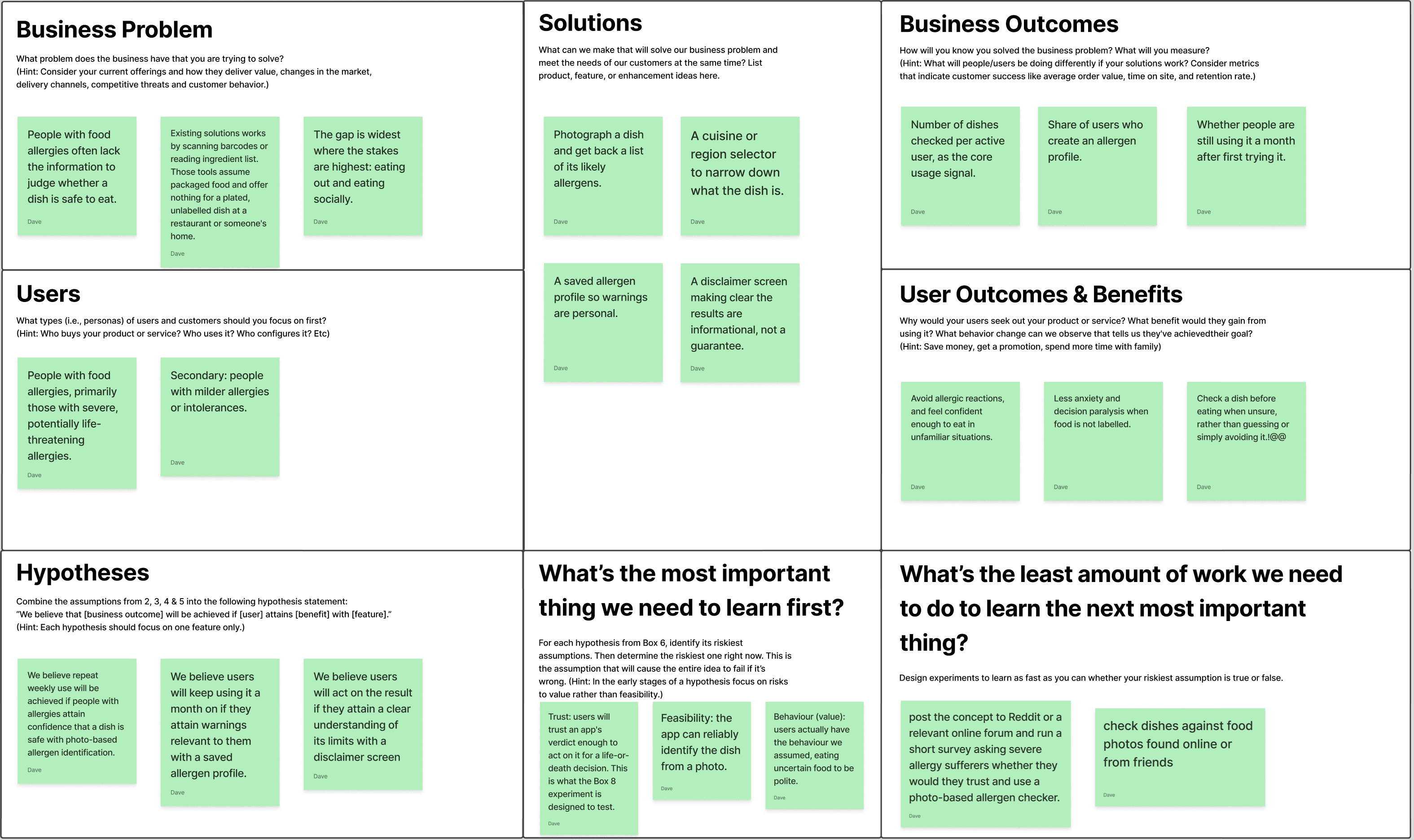
The riskiest assumption was whether anyone would trust it for a decision this serious, given that a photo can only ever show the outside of a dish. Would someone stake an anaphylaxis-level decision on a model's reading of a picture?
I worked this through on a Lean Canvas, and it prompted me to list my assumptions. Trust is the main assumption, alongside whether the AI could identify the dish. And the cheapest way to test trust is to ask severe-allergy sufferers directly whether they would trust and use the app, before building anything.
Design review
I reviewed the two strongest tools in the space, Fig and AllergyForce. Both are accurate and well built, and both share the same two constraints.
First, they are barcode dependent. They are excellent on packaged goods and have almost nothing to offer for a plated, unlabelled restaurant dish. Second, they are socially intrusive. Scanning, manual entry, and label reading are fine alone in a supermarket aisle and awkward across a dinner table.
Plotting the market on two axes, method (barcode and manual entry versus camera) against context (packaged retail versus eating out and social settings), leaves one quadrant empty: discreet, camera-first checking at the table rather than in a supermarket aisle. That empty quadrant is where I aimed EatSafe.
User journey
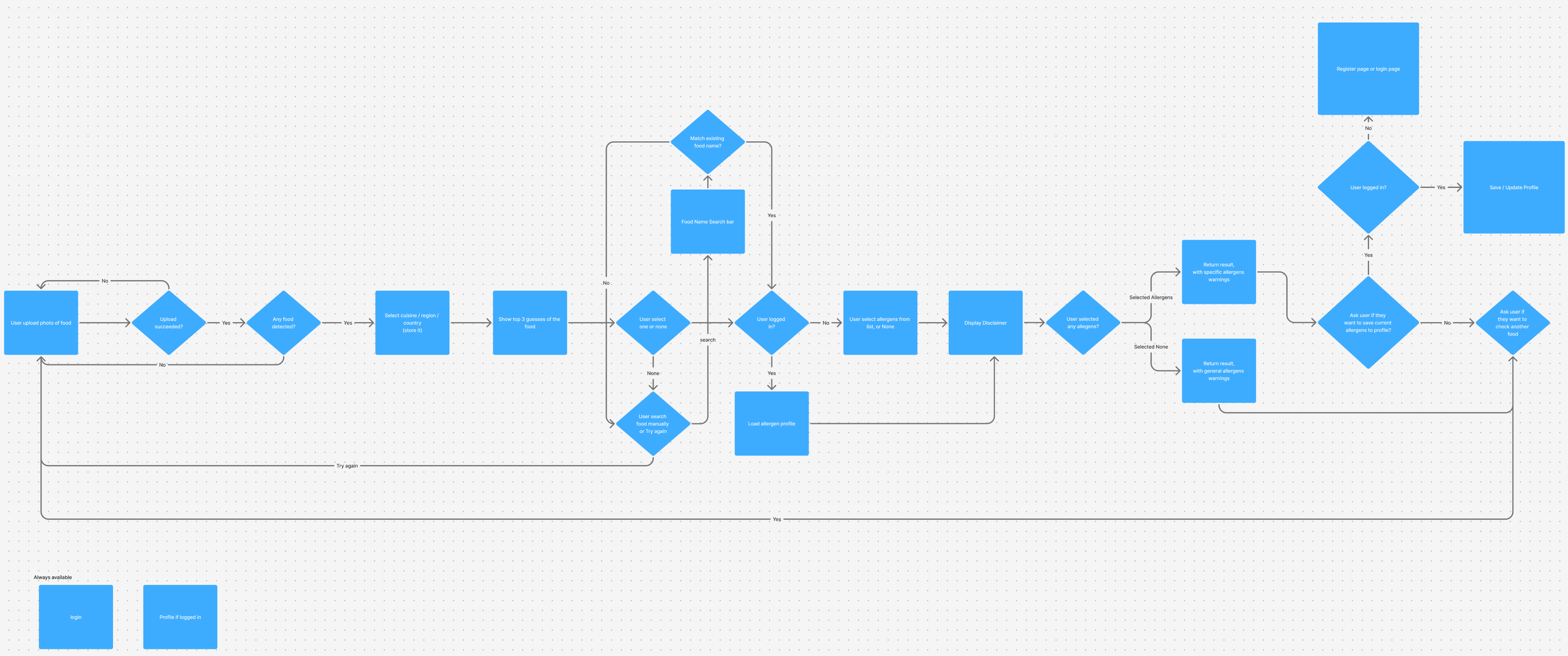
I mapped the full journey: photo upload, cuisine selection, allergen profile, the disclaimer, the results, and the saved-profile path, along with the error states for a failed upload or an undetected dish. Designing the unhappy paths mattered to me even at concept stage.
Visual design
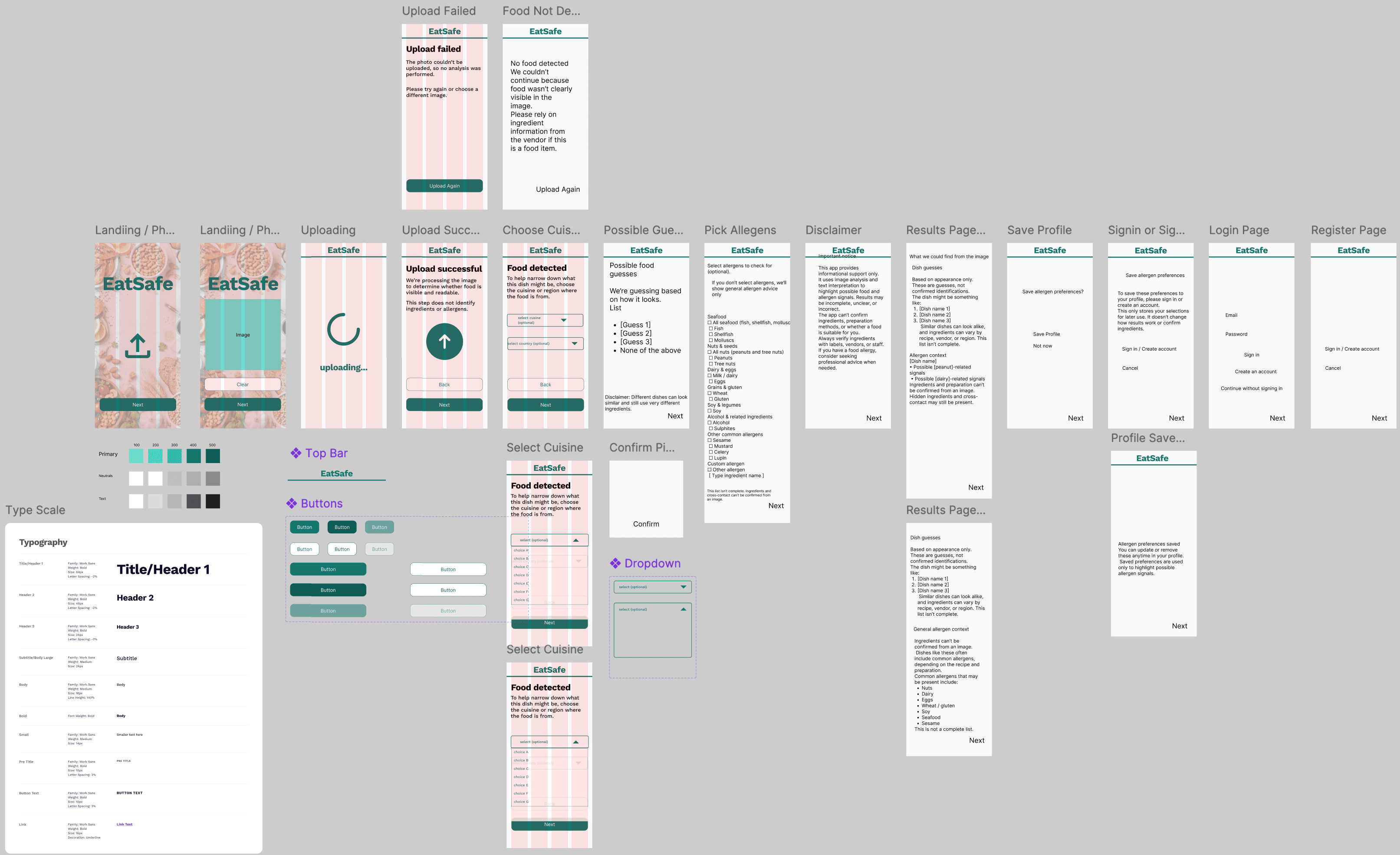
From the journey I built out the screens and a small design system: a colour palette, a type scale, and a reusable component set.
Prototyping
I took the front of the flow to working code: the upload sequence, from landing through image selected, uploading, and success. I used a pipeline that pushed Figma designs through an AI coding agent over MCP, turning design nodes straight into React. The harder part, the AI that would identify a dish and flag its allergens, stayed as designs. It was only the front of the product, but it exercised the design-to-code pipeline and gave me a real interaction to hold rather than a static mockup.
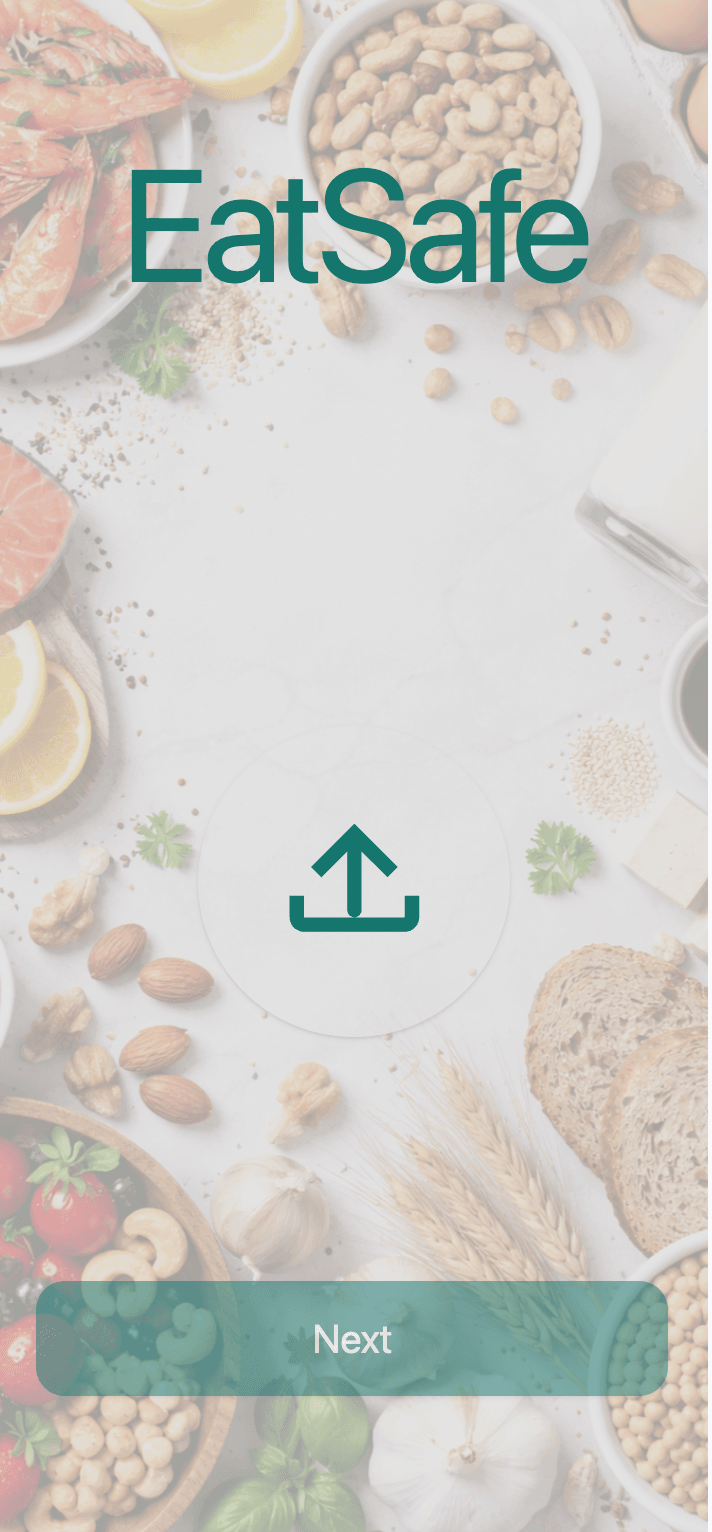

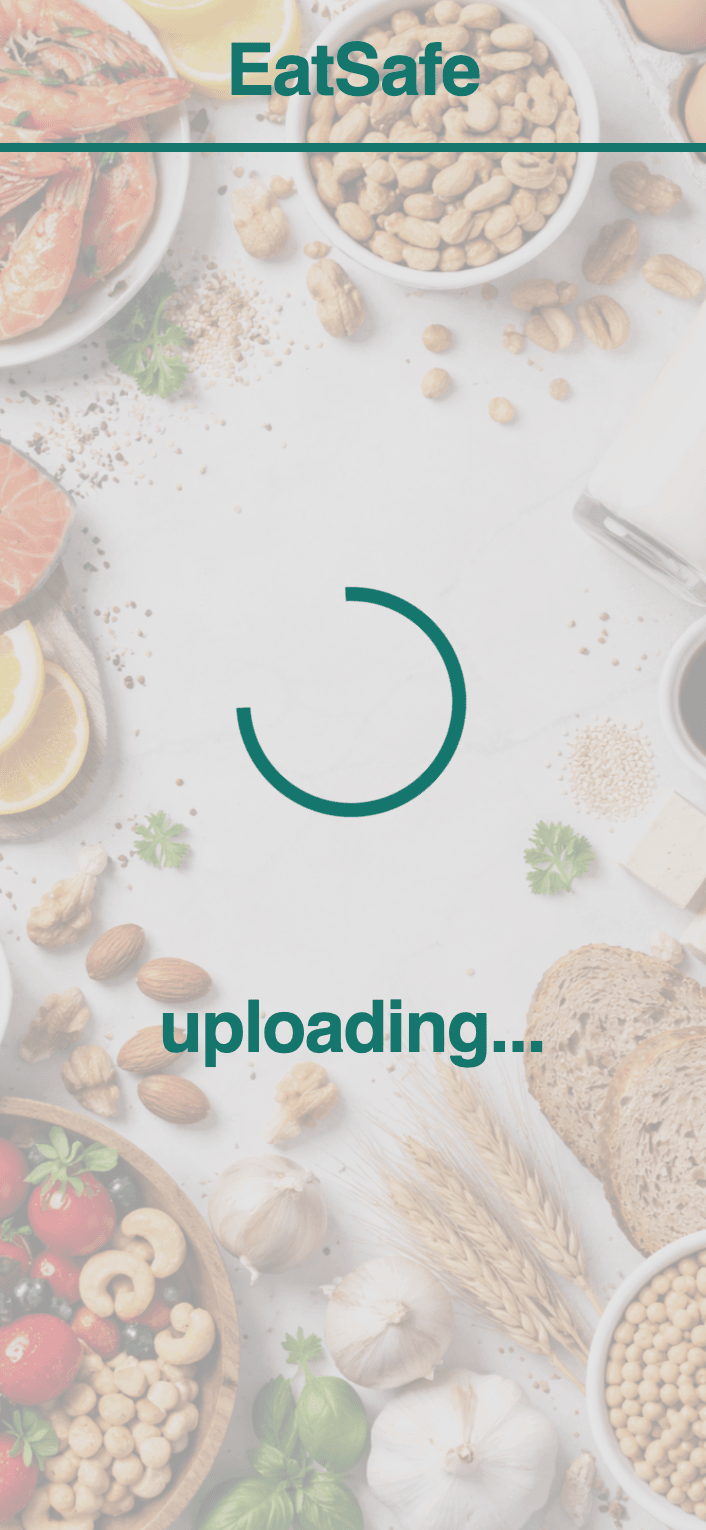
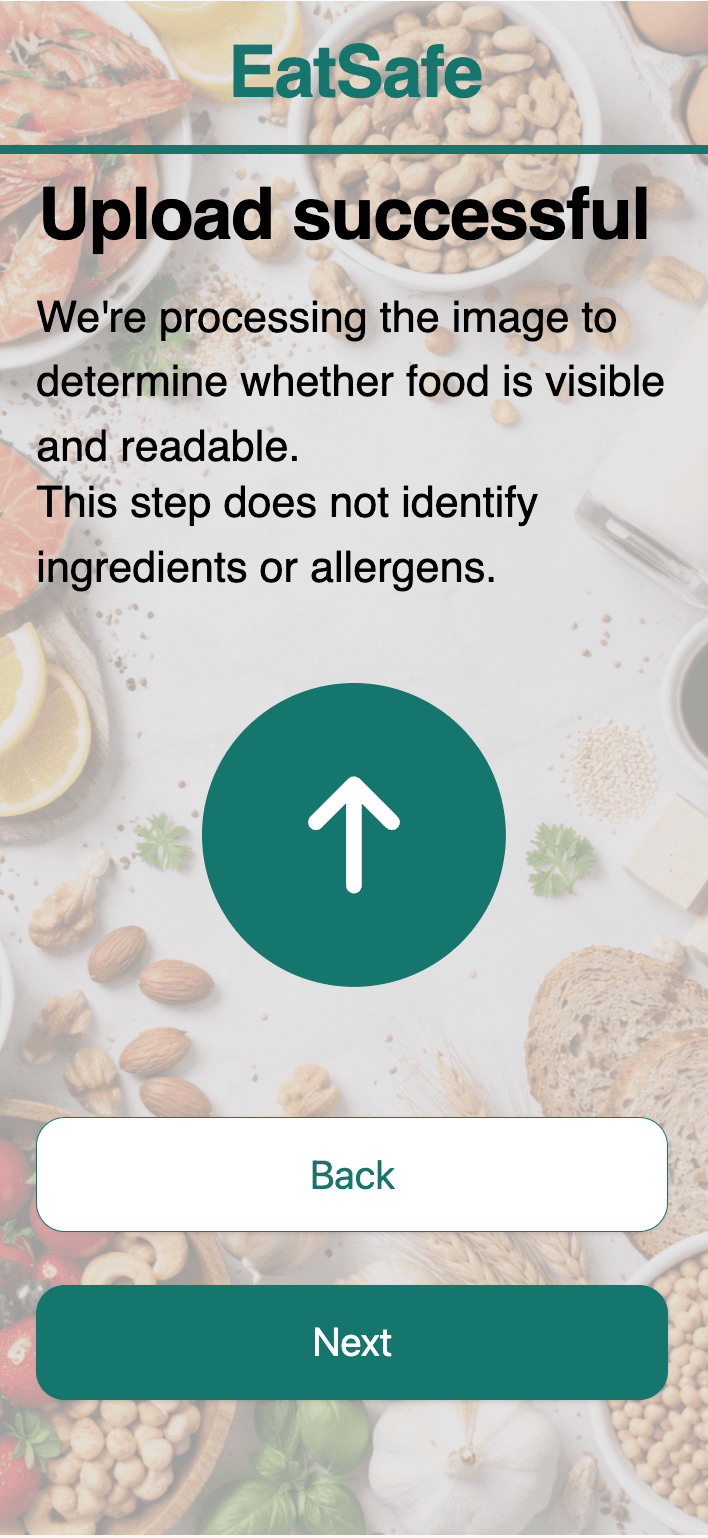
Upload sequence·landing·image selected·uploading·success
User research
I took the concept to the subreddit where these users gather and asked them directly, both in an open thread and in a short survey.
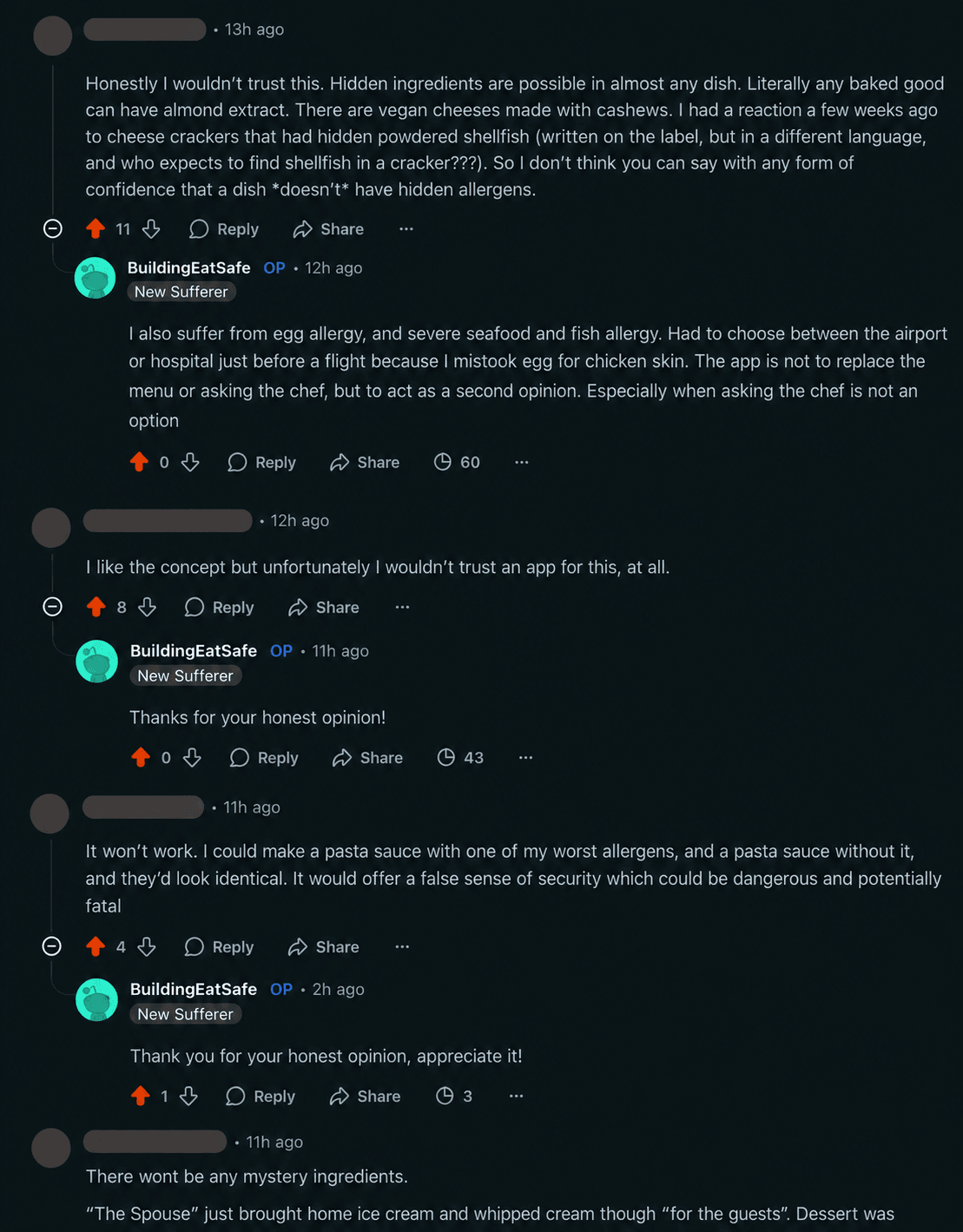
The product question came back as a flat no. Asked whether they would use a photo to get a second opinion on hidden allergens, 3 of 5 said they would only trust a human and just 1 said they would definitely use it. The thread said the same thing in plainer language, and explained why: a dish with an allergen and one without can look identical, and hidden ingredients sit inside almost anything. A photo cannot confirm what is not visible.
would only trust a human for a second opinion
said they would definitely use the app
would rather offend the host than risk it
The research also corrected the problem itself. I had assumed social pressure made people eat food they were unsure about. For this group the opposite held: 4 of 5 said they would rather offend the host than risk it, and faced with a tempting dish that might contain their allergen, most would quietly pull a person aside rather than reach for an app. They were not compromising on safety to be polite. They were already refusing, and they trusted people over software.
So the finding ran on two fronts. The behaviour I had designed for was not the behaviour they had, and the trust the product depended on was the one thing they would not give it. People with severe allergies need certainty. Generative AI vision cannot guarantee it from a photograph, and a confident interface on top of an engine that is sometimes wrong does not help them. For a life-or-death decision it actively harms, because polish manufactures exactly the trust the technology has not earned.
Method note: the responses came from a concept post in r/Allergies and a short linked survey (n = 5). The sample is small and self-selected, which suits directional, concept-stage validation rather than market sizing. It did not need to be larger: the reason people rejected the tool is structural, not a matter of taste. A dish can look identical with and without an allergen, so more responses would not have changed the conclusion.
The decision: stop
I stopped the project.
Continuing would have meant shipping a tool whose central promise it could not keep. I could build the app, but the technology cannot do what this use case demands: a photo cannot confirm a hidden ingredient, so for a life-or-death decision its answer can never be trusted. That is not a bug to fix. It is the ceiling of what image recognition can know. AI vision is good enough where a wrong answer is cheap, and I had pointed it at a decision where a wrong answer is not. Recognising that, and stopping rather than polishing, was the right call.
Choosing not to build is itself a design decision, and it is the one I am most willing to stand behind here.
What I would do differently
I ran the trust test late, after building the prototype rather than before it. I should have run it first, while it was still just a concept.
I do not regret the prototype work. It taught me a Figma-to-code pipeline I still reach for when I need to turn a design into a working interface. But the sequence was backwards. Trust was the riskiest assumption, and the survey that tested it cost almost nothing and could have come first, before any code. Research should have led the build, not followed it. The lesson I carry into every project now is simple: test the assumption that can kill the idea first, while being wrong is still cheap.